

FOLLOW A JOB
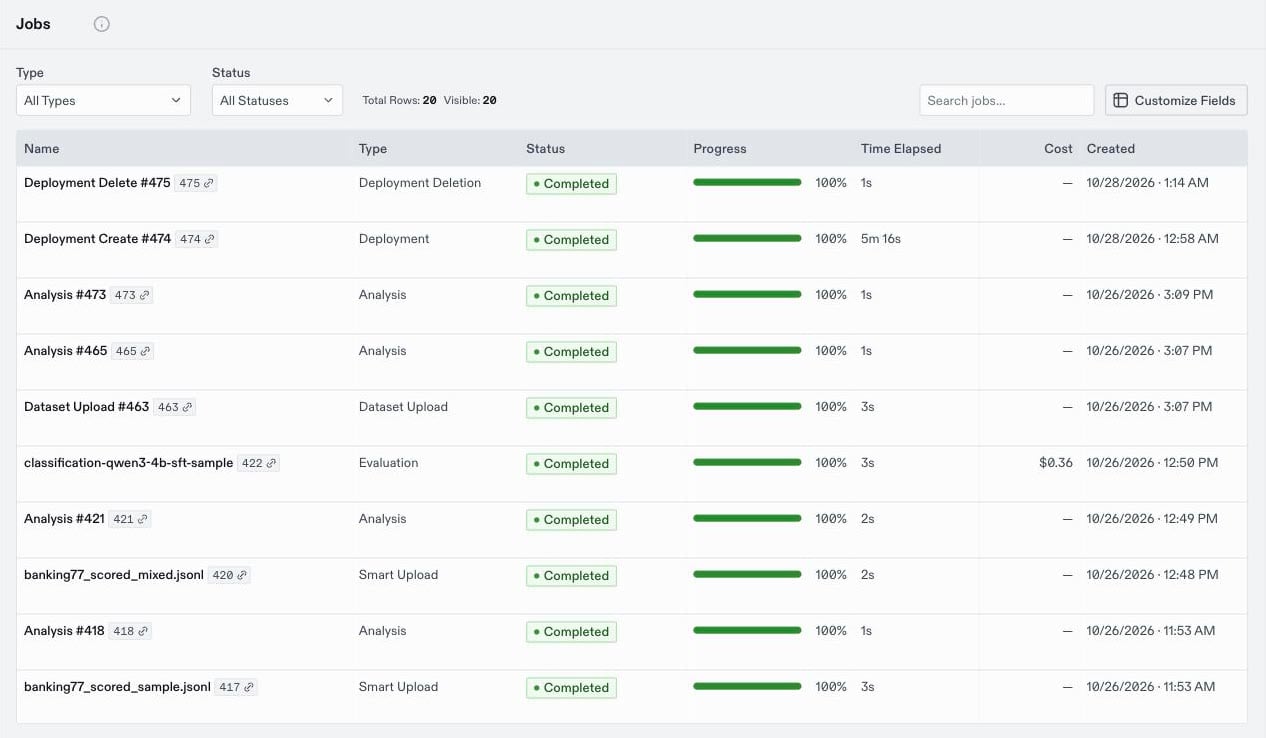
The top bar shows how many jobs are running. Click it to see them, or open the Jobs page for the full list. Filter the list byType or Status, or search by name.
Click a job to open its details, including its ID, timestamps, progress, and result. A training job also shows its training progress.
WHEN A JOB FAILS
A failed job shows its error in the details. The error usually names the cause, such as a dataset row that doesn’t match the expected format, a missing permission, or a quota limit. Fix the cause and run the job again. A failed job doesn’t keep partial results. To get help with a failure, ask FAiE why the job failed, or include the job’s ID when you contact support.STOP A JOB
Open a pending or running job, and clickStop. A stopped job doesn’t resume, so start a new job to run it again. Its recipe keeps the configuration for the next run.